 Guthook’s PCT Guide – We used this app most frequently on the PCT. It cost $25 but was well worth it. The app was especially useful in the Sierra when the trail was under many feet of snow for miles upon miles. It works in airplane mode with the phone’s location service enabled which helps conserve battery life. We had this app loaded on Andy’s Samsung Galaxy S5 and were pleasantly surprised that it didn’t drain the battery too quickly.
Pros – great maps, uses Halfmile mileage, many more camping options than Halfmile, helpful descriptions and photos of campsites and water sources. There is an option to add real time descriptions and updates (the usefulness of this depends on the activity of the hikers in your class- particularly those ahead of you- but it is a great feature). If you get off trail you can see your location (love that blue dot!) on the map in relation to the trail.
Cons – It’s not free, but it contains A LOT more info than any of the free PCT apps. Some of the water sources are inaccurate – especially in Northern California or later in the season in the Sierra. A few water sources listed as reliable year-round were dry. There was one source off trail that didn’t even exist. I would trust Halfmile and the PCT water report for water. There are different user interfaces for iPhone and Android users. We only had this on a Samsung and cannot comment on the differences between the two platforms.
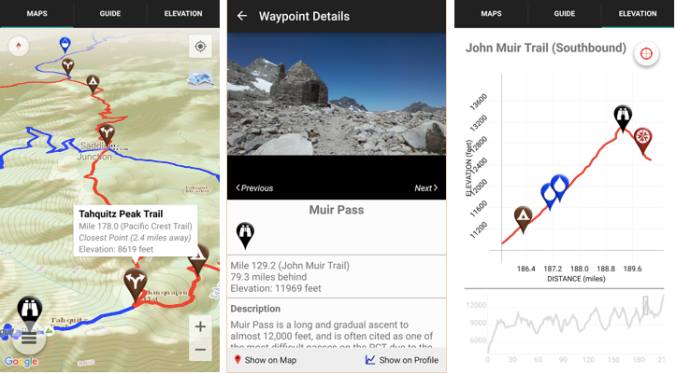
Guthook Android app detail
Halfmile – App is easy to use and very helpful. You can select a campsite or water source north or south of your current location and quickly get information on mileage and how much elevation gain and loss you will encounter before you get there. 
Pros – It’s free. Includes accurate data, is easy to use and has basic descriptions of water sources and other pertinent information. It is consistent with the information noted on the half mile printed maps. This app provides information on elevation gain and loss without having to add it up yourself (this is way too tedious and arduous after hiking all day!). When off trail (such as in the Sierra when the trail is covered in snow) the app will tell you how many feet you are away from the trail. This helps give you a sense (i.e. 50 ft vs 250 ft) as compared to Guthook which just shows your dot compared to the trail.
Cons – Few campsites listed. No pictures – just data. With Android phones, there is no map feature. On iPhones you see a map along with your location, but on Androids you see a dot (your location) and an arrow pointing to where the trail should be. Still useful but you get the sense the app was developed primarily for iPhones. When off the trail you have to simulate the trail mile. Often the closest PCT mile is not where you will be rejoining the trail so it takes a few more steps to get accurate information. This produced frustration in town when trying to plan for the next section.
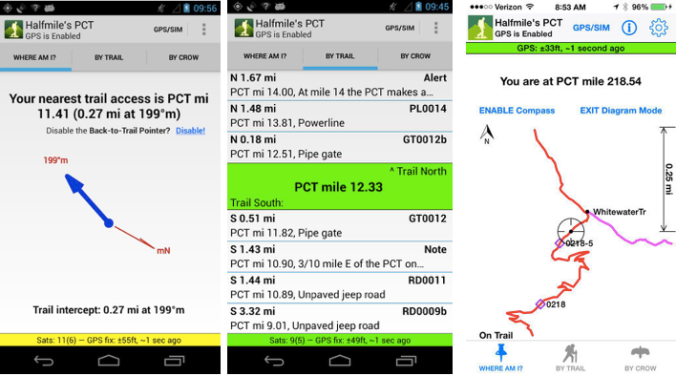
Left: Android map detail Middle: Distance – same for Android and iPhone Right: iPhone map detail
We liked having both Guthook and Halfmile for a more complete picture. We opted to have Guthook on Andy’s Android and Halfmile on Laurie’s iPhone. This worked well, as well as having Verizon on Andy’s phone and ATT on Laurie’s phone. This was a bonus of hiking together – we had more comprehensive cell coverage (more on hiking as a couple to come…)
**With both apps, or any others you plan to use for navigation, download them a week or two before your hike and get acquainted with them before you start hiking. It will make life on the trail easier**
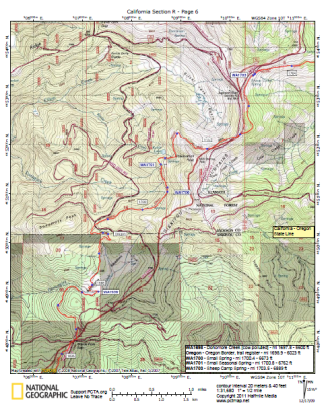 Halfmile Printed Maps – We liked having these maps but rarely used them. Map reading is an essential skill in the backcountry, but navigation by phone is here to stay. Because we were traveling together most of the trail, having two phones fail was unlikely. But if either of us were hiking solo, having the maps as a backup would have been more important. We would often look to the maps to see the names of the surrounding peaks but unfortunately the maps are PCT centric and don’t often include landmarks more than a few miles from the PCT. If you like to identify surrounding mountains, it may be helpful to carry a PCT section map (heavy but fun to look at) or a forest service map (helpful in Washington where the likelihood of fires increases and you may need to find an exit route).
 Yogi’s PCT Guideook – Andy liked reading other hiker’s accounts of their trail experience but didn’t care much for Yogi’s subjective dictation. “If you can afford to buy a beer in town you can afford to donate to trail angels. It’s the right thing to do.”
Sure some hikers need to read this, but Andy was turned off by this.
Yogi’s opinions aside, the town guides and trail notes are helpful, except for when they are out of date. Yogi has updates on her website but even some of those updates were inaccurate by the time we hit the trail. It wasn’t a big deal and I imagine it’s a heck of an undertaking to update every detail for every town or campground. Prices increase, businesses close. Things change in small town America. In short, don’t expect perfection with any guidebook or app.
If I had to do it over again, I wouldn’t buy Yogi’s book. The town maps were convenient but not worth buying the entire guidebook. Instead I’d use the following resources:
- As The Crow Flies
- Craig’s PCT Planner
- Boston and Cubby’s Trail Journal
- PCT-L
As The Crow Flies constantly updates her website with the latest information for the entire trail. This was my go-to resource.
Craig’s PCT Planner is a great tool for creating an itinerary for your hike. Things will undoubtedly change but having a plan in place can help keep you on track if you have to stick to a timeline. You can also use the planner to create multiple shorter itineraries. For example, you can create an itinerary for the first 300 miles averaging 17 miles per day, then create another one in which you average 20-25 per day for miles 301 to 702 (Kennedy Meadows).
Boston and Cubby share a great resupply strategy if you plan to ship yourself all (or most) of your packages. They also have a good gear strategy and gear review, along with a food strategy post.
The PCT-L is a great forum where people talk all things trail. There can be a lot of fluff to sort through but lots of good information is shared as well.
Lastly, the Facebook group(s) for the current year class are a great resource. Often times people who live in towns and are well connected with the trail will post pertinent information (changes to the Post Office hours for example) to the groups.
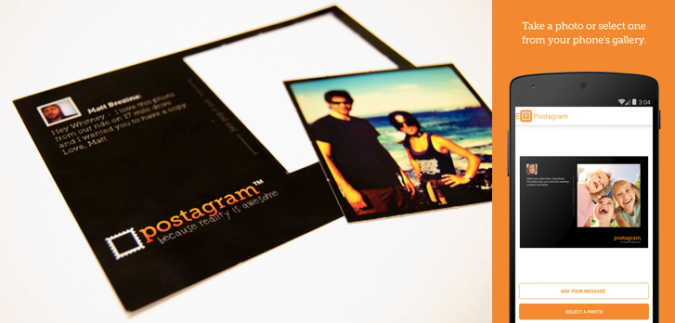
 Postagram – we loved this app. We used it to send postcards to friends and family whenever we had service. The app lets you write customized messages as well as a picture. The pictures are printed on perforated paper so they can be cut out and saved. Very cool app and a great surprise to anyone who doesn’t expect to hear from you for 6 months!
 Laurie’s favorite item:
  Andy’s favorite item:
  The pillow didn’t slide around and allowed him to easily add or remove out air (thanks to its ingenious dual valve design) to maximize comfort. It also felt really good against his face, unlike plastic stuff sacks.
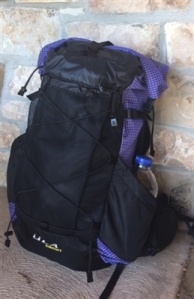 Backpack –
 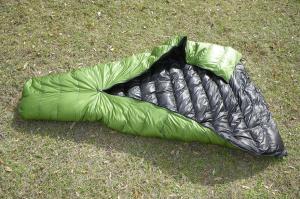 Sleeping Bag – Zpacks 20 degree quilt – jury is still out on this one. I appreciate the warmth to weight ratio but the feathers needed fluffing every night and had to be redistributed to the top of the bag before every use. Also, as it got colder in September I thought about making the bag warmer for true 3 season use. Unfortunately though, Zpacks does not offer to refill the bag to make it a zero degree bag like other companies.
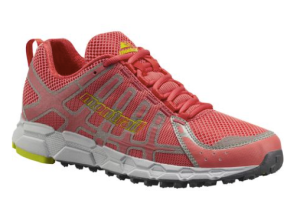 Shoes –
 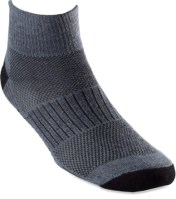 Socks–
 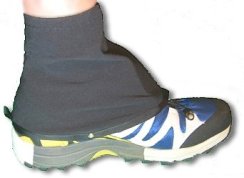 Scree gaiters –
  Hiking Pants –
  Undies –
  Sports Bra – Patagonia Active Mesh Bra – I have nothing but positive things to say about this bra. I wore the same bra for every mile of the trail and it still looks good. It doesn’t smell, has a few frayed pieces of elastic but still provides excellent support. I am never looking for another sports bra.
 Hiking shirt for the desert –
  Bug proof button down shirt –
 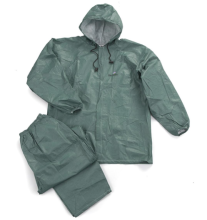 Rain Gear –
 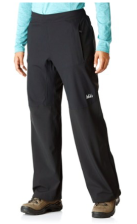 Rain Pants – REI Talusphere Pants – these pants are expensive and heavy but work well. They are high quality and very flexible. These pants also have pockets which added unnecessary weight but they did the job.
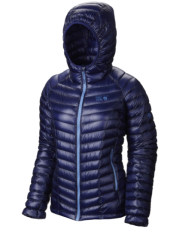 Down Jacket –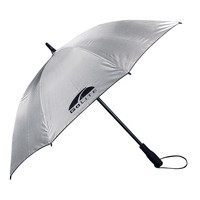
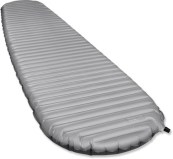 Sleeping pad –
 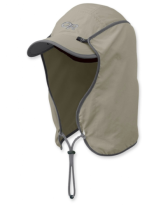 Hat –
Hat –  Sunglasses – Pepper’s Wild Thing Polarized Sunglasses – They lasted the entire hike, worked great and looked good! The lenses got scratched but that is because I dropped them and ran into quite a few branches. The polarized lenses made all the colors on the trail more vibrant.
 Buff –
 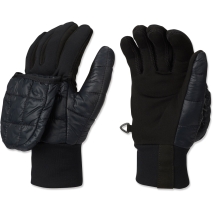 Gloves –
 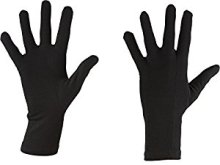 Cold weather gloves –
 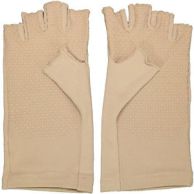 Sungloves –
 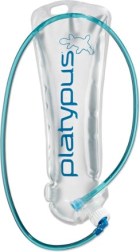 Hydration Bladder –
 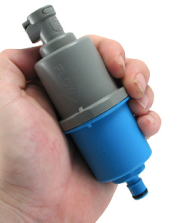 Water Filter –
  Water Purification –
  Smartphone –
  afamilyoutside